

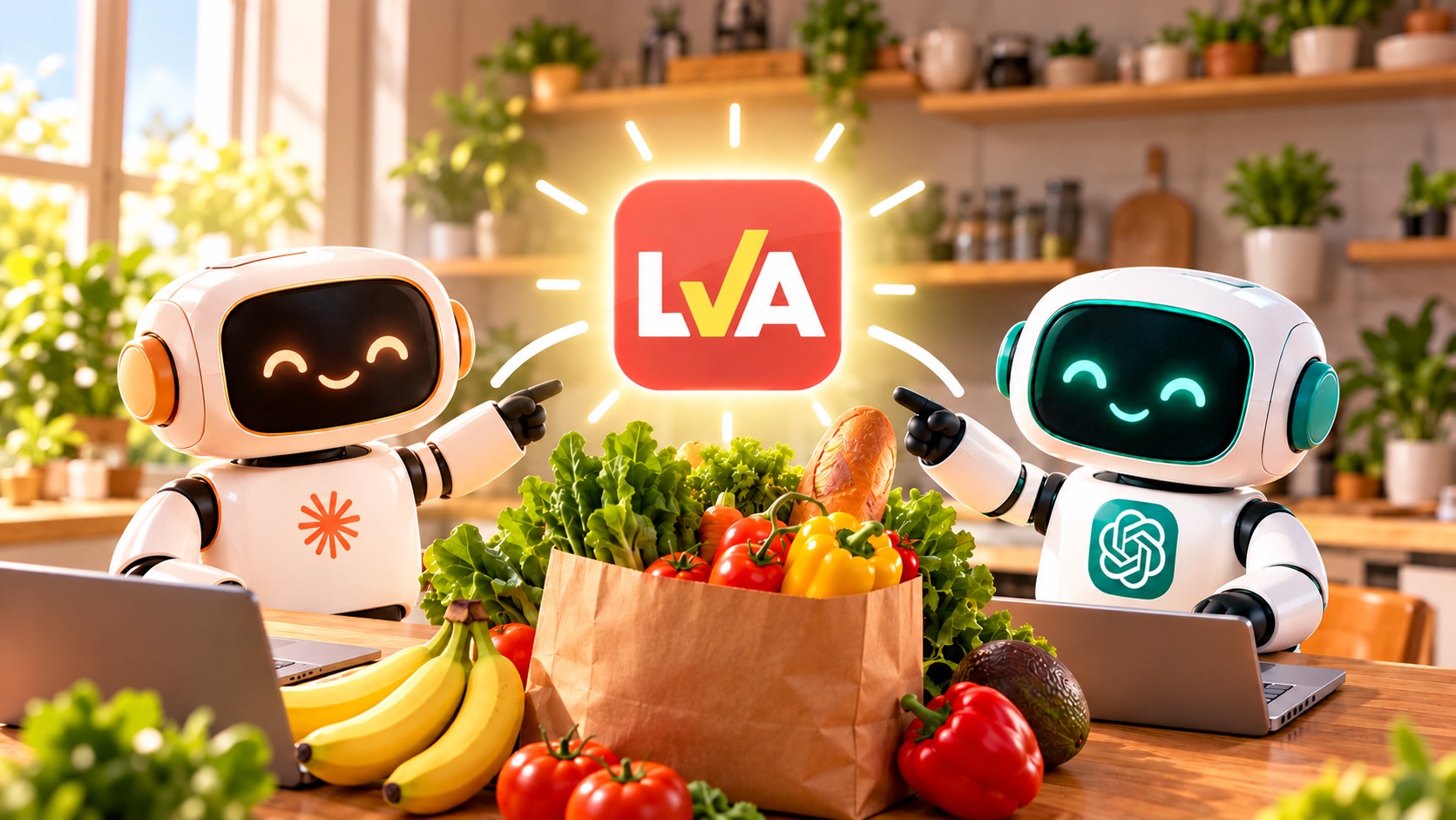
Ask your AI assistant for this week's best deals, and let it fill your grocery list
Already using Claude or ChatGPT to plan your meals? Good news: your assistant can now check this week's real deals on LVA and manage your LVA shopping list, right in the conversation.
No more jumping between flyers, the app and your notes. Ask the way you would ask a friend, and your assistant answers with the deals at Maxi, IGA, Metro, Super C, Provigo, Walmart, Costco and the other chains LVA tracks, compared with each product's regular price.
What you can ask
A few ideas to get started:
- "What are the best grocery deals this week?"
- "Find me meat deals at IGA or Metro."
- "Is laundry detergent on sale anywhere?"
- "Add the top 3 produce deals to my list."
- "What's on my list, and how much am I saving?"
- "Plan 4 dinners around this week's deals at Maxi, then add the ingredients to my list."
Everything your assistant adds shows up right away in your list in the LVA app and on the website. At the store, just open it and check items off.
How to connect
In Claude
- Visit this link https://claude.ai/directory/lva
- Click Connect. The LVA sign-in page opens.
- Enter the email of your LVA account. You'll get a 6-digit code by email: enter it. No password to remember.
- On the Authorize access screen, click Authorize. That's it!
In ChatGPT
LVA is being reviewed for ChatGPT's app directory. Once it's approved, just search for "LVA" in ChatGPT's apps and follow the same sign-in steps. We'll let you know in the newsletter! 📬
For LVA+ members ⭐
The LVA assistant is included with LVA+. If you're not a member yet, you can still connect your account: your assistant will tell you how to turn on LVA+ when you ask it something.
Your data stays in your hands 🔒
- You decide. The connector is only active if you add it yourself and approve access on LVA's screen.
- Limited access. Your assistant can look up deals and manage your grocery list, nothing more. It can't see your payment details or your password, and it can't buy anything.
- Your conversations stay private. LVA doesn't receive your chats with the assistant, only its requests to the connector (for example "deals at Maxi").
- Disconnect anytime. Remove the connector from your assistant's settings, or email info@lva.app to cut access immediately.
All the details are in our privacy policy.
FAQ
Does it work with the free version of Claude or ChatGPT? The connector works with the Claude and ChatGPT plans that let you add connectors or apps. Check your assistant's settings to see whether your plan includes them.
Are the deals up to date? Yes: they're the same deals as in the LVA app, updated with every new flyer, for your province.
Can my assistant make mistakes? Prices and deals come straight from LVA, but your assistant writes the answer. If in doubt, double-check in the app or the flyer before you get to the checkout.
I'm having trouble connecting. Email us at info@lva.app and we'll sort it out with you.
Happy shopping, and happy saving! 💚
These articles might interest you
14 August 2024
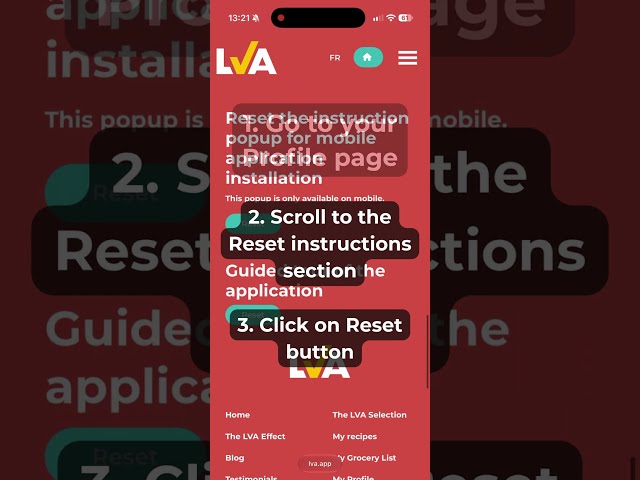
How to install LVA on your mobile
For more help, feel free to contact us at info@lva.app
Read moreReady to save big on your groceries?
90% of people get fooled—even with flyer deals. This quiz might surprise you! Find out if you know how to spot a real bargain.